Delivery & returns
Choose 1–2 or 3–4 working day tracked delivery at checkout. Postage is calculated from the size and weight of your order, and you’ll see the price and estimated arrival before paying. Add purchases to a camera hire and they travel with your hire, with no separate delivery charge.
Changed your mind? Let us know within 14 days of receiving your order, then return it within a further 14 days. Change-of-mind returns need to be unused, unopened and in resaleable condition; you cover the return postage. Opened or used film is excluded from change-of-mind returns.
If something arrives faulty, damaged or incomplete, please get in touch. See our sales and returns policy for the full details, including faulty items and refunds.
A few useful answers
What does the guide cover?
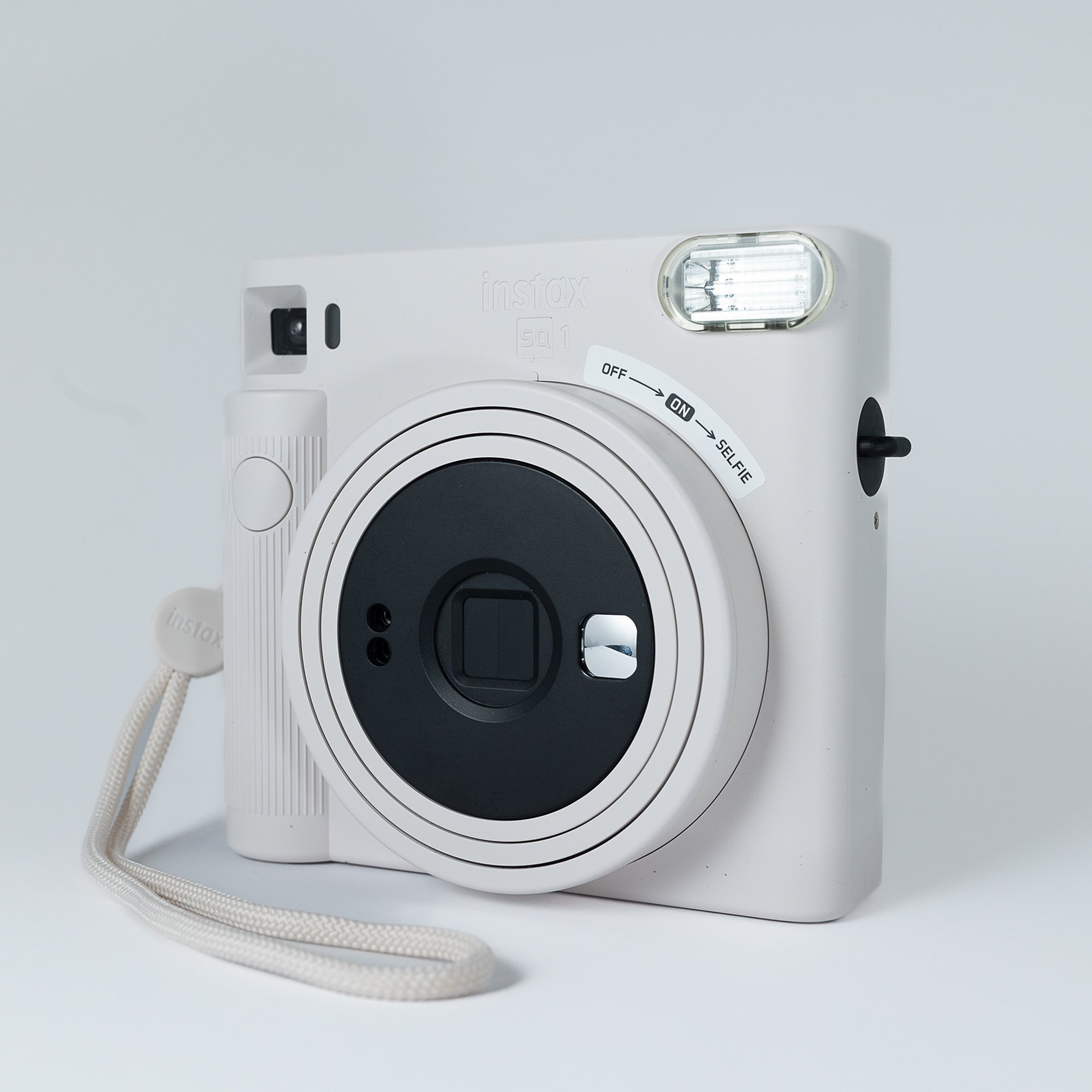
This A6 folded card explains how to take a photo, reload film and change the batteries on an Instax SQ1. It’s designed to make a guestbook setup easier for guests to use.
Is it personalised or unbranded?
No. These cards were designed for our hire customers and carry Instant Camera Hire branding and contact details on the back.
How can I make my guestbook easier to use?
Put it somewhere visible, leave clear instructions and make it easy to attach the photos. Our wedding guestbook guide has more practical tips on film, lighting and setting up your table.