
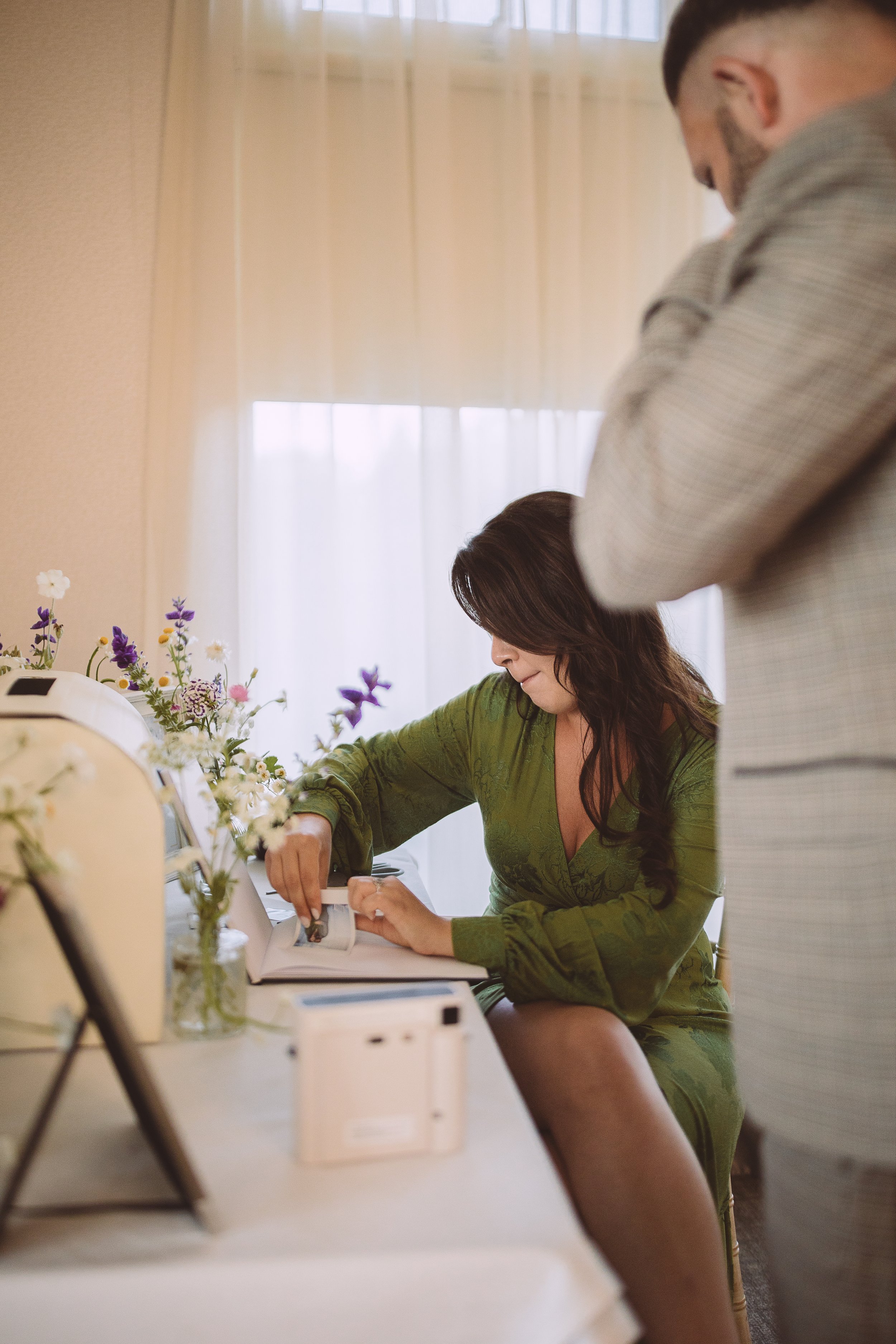
How to get the most out of a Polaroid camera wedding guestbook
1. Put your guestbook where people will notice.
If the book is tucked away beside the emergency exit and a sad pot plant, people will forget it exists. Choose somewhere visible that guests naturally pass more than once, with enough space to stop and write.
Near the reception entrance or beside a well-used seating area can work well. Keep it clear of drinks, give people a comfortable writing surface and avoid a spot that turns into a queue for something else.
2. Plan enough film for your wedding guestbook.
Start with the entries you’d like in the book, rather than assuming every guest needs a separate photograph. Couples and groups may share a picture, while some guests will want a retake.
For example, 50 planned guestbook photos plus 20 extra shots gives you a starting allowance of 70. That’s an illustration, not a rule: add more if you want guests to take pictures home.
Compare packages and film quantities →One for the book. One to take home?
Decide before the day whether guests can take an extra photo as a favour. Both approaches work, but they need different film budgets and a clear sign beside the camera.
If you’re hiring from us, unused sealed film packs supplied with your hire can be returned for a refund under our film buyback. Opened packs and loose shots don’t qualify.
Explore wedding hire packages →3. Give guests three simple instructions.
Make the instructions obvious and put them where guests will actually see them. A short sign works better than a paragraph everyone intends to read after their next drink.
Our hire packages include a camera quick-reference guide. Add your own guestbook instructions so people know what to do with their finished picture.
Take a photo.
Use the camera guide, then leave the print to develop as instructed.
Stick it in.
Use the photo corners or adhesive provided at the table.
Leave a message.
Names, advice, terrible jokes. Something you’ll enjoy reading tomorrow.
4. Give one person light responsibility.
A helper, not a bouncer.
Ask a sibling, friend or coordinator to keep a loose eye on the table. They can encourage people to have a go, help with film changes and notice if the camera has wandered away.
Show them how the camera works before the reception. They don’t need to supervise every photo; they just need to know where the instructions, batteries and spare film are.
Have the next pack ready.
Keep spare film sealed until it’s needed and leave it somewhere your helper can find it. Check the camera’s instructions before changing a pack, and don’t open the film door while there are unused shots inside.
Bring the right power backup too. Mini 41 cameras use AA alkaline batteries; the SQ1 uses CR2 lithium batteries. Our camera comparison covers batteries and charging.
5. Test the light, camera and photo fixings.
Take a photo in the place guests will actually stand. Follow the camera’s guide for distance and flash, and check the result before committing the rest of the film. A dark corner makes the job harder than it needs to be.
Try your chosen photo corners, glue dots or photo-safe tape with the book beforehand. Leave the right pens within reach, give the prints somewhere clean to develop and make sure the book will stay open.
If you’re using Polaroid-branded film, follow its light-shielding and development instructions. “Polaroid” is often used to mean any instant camera, but different film systems need different handling.
Your wedding guestbook setup checklist
Before guests arrive, take one minute to check the basics.
- The table is visible, with space to stop and write.
- The camera has film and enough power.
- A test photo has worked in the actual spot.
- The book, pens and photo fixings are ready.
- The sign explains whether guests can take an extra print.
- Your helper knows where the spare film and batteries are.
Keep it simple enough for someone in wedding shoes, holding a drink and halfway through a story to understand. The photos and messages can do the rest.
Less organising.
More memories.
Bring the camera, film and useful extras together with a hire package for your day.
Find your wedding hire package →